 English
Ancient Radar — Delta Force: Hawk Ops
Status: Setup guide
testing
1 / 11
Compatibility
- Windows
- 10(all)/11(all)
- Processor
- All
- Graphics card
- All
- Launchers
- Official launcher, Steam, Garena, WeGame, Epic Games
- HWID Spoofer
- No built-in
Features
Players
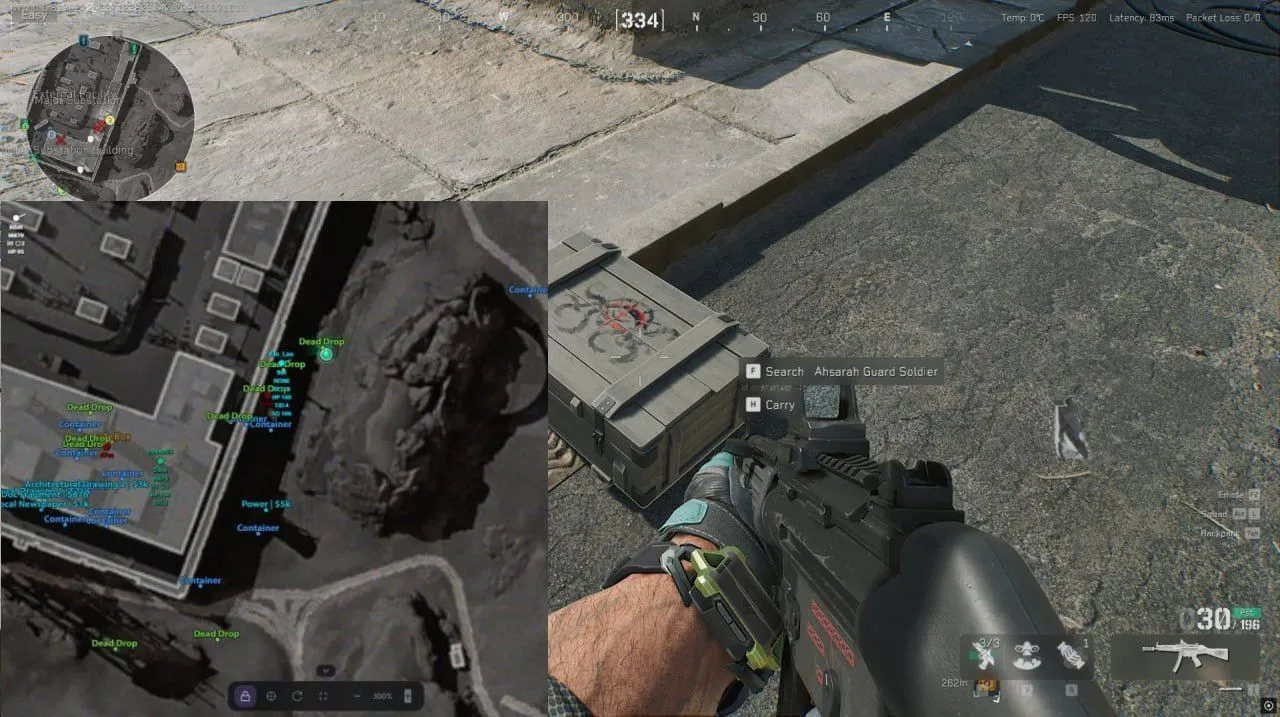
- Enemies and teammates in real time
- Different markers for alive, knocked and dead players
- Nickname
- Weapon in hand
- Ammo: current and maximum
- Health, including health while knocked
- Helmet and body armor level
- Kill count
- Team ID and squad ID
- Distance to each target
- Facing direction
- Marker for a target on the floor above or below you
- Own color for targets in line of sight
- Enemies from the same team share a color automatically
- Correct position while a player is in a vehicle
AI and bosses
- Regular AI enemies
- Bosses
- Knocked and dead AI
- Weapon the AI is holding
Loot
- Shown on Operations maps only
- Categories: Weapons, Attachments, Ammo, Resources, Consumables, Keycards, Mandelbrick, Backpacks, Helmets, Body armor, Chests, Dead bodies, Computers, Containers, Safes
- Unknown items as a category of their own, for diagnostics
- Every category turns on and off separately
- Container type on the label: Dead Drop, Box, Container
- Item names
- Value of an item or a container
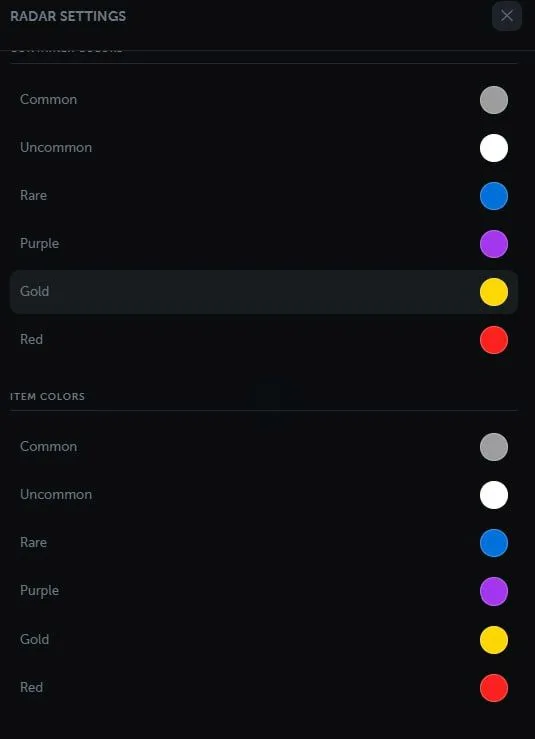
- Rarity filter from 1 to 6: Common, Uncommon, Rare, Purple, Gold, Red
- Minimum price filter
- Global max distance (0 means unlimited)
- Distance limit, color and text size per category
- Separate settings for items and for containers
- Loot filtered by floor
Maps
- 22 Delta Force maps
- Current map detected automatically or picked by hand
- Several floors and map layers
- Ignore floors: separately for players and for loot
- Exact affine calibration of the world to the map
- Built-in calibration tool for new maps, hidden on maps that are already calibrated
- Relative coordinates on maps that are not calibrated yet
- Loot switches off by itself on maps where it should not appear
Radar controls
- Follows your own player
- Free map movement with a mouse or a touchscreen
- Recenter on yourself in one click
- Map rotation by the way you face (optional)
- Zoom with buttons, the mouse wheel or touch gestures
- Fullscreen mode
- Bottom control panel that collapses
- Icon and text size
- Your own direction and field of view on the map
Colors
- Enemies, team, AI and bosses
- Own colors for dead, knocked and visible enemies and AI
- Rarity colors, separately for items and for containers
- Use category colors for loot
Interface
- Radar link you can share
- Counters for players, AI and loot
- Client connection status
- Notice when the client is not in a match
- Settings stored in the browser
- Russian, English and Chinese
- Works on desktop and on mobile devices