 English
Arcane ESP — Rainbow Six Siege
Status: Setup guide
undetected
Compatibility
- Windows
- 10(all)/11(all)
- Processor
- All
- Graphics card
- Nvidia/AMD
- Launchers
- Steam, Ubisoft Connect
- HWID Spoofer
- No built-in
Features
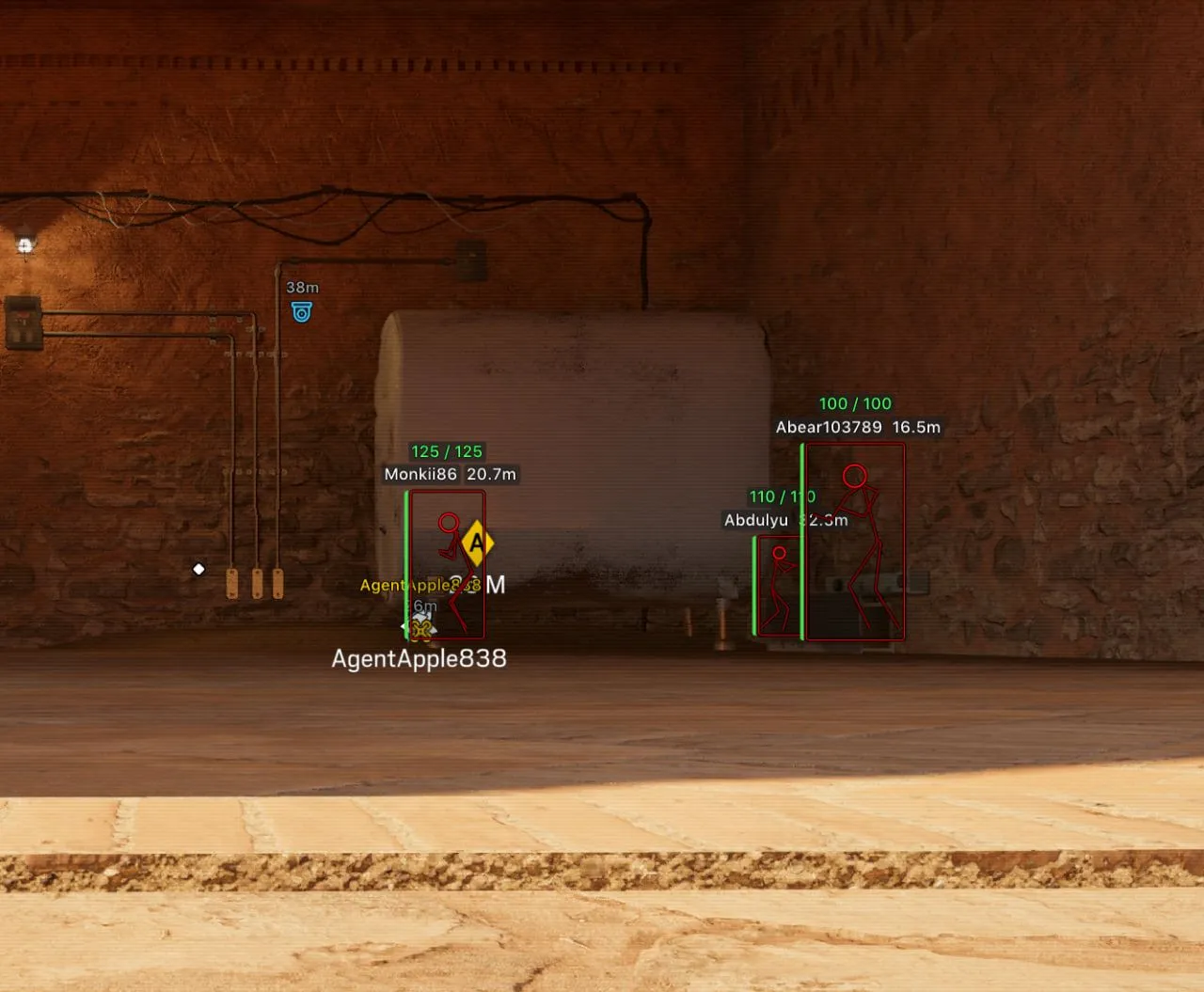
ESP (players)
- Bounding box — full or corners only
- Fill box — solid or gradient
- Line to enemy — its color and position
- Skeleton — head circle, filled head circle, line thickness
- Name
- Distance
- Health bar — colored by health, with health as a number
- ESP preview — how the ESP looks, right in the menu
- Team check — leaves your teammates off the ESP
- Hide dead — hides dead players
- Max distance
- HUD hovering — Enable, Radius and Show circle, shared hover settings in their own HUD section
ESP (drones and cameras)
- Drones — with the distance to each
- Teammate drones — your own team's drones as well
- Drone owner — the name of the player it belongs to
- Cameras — with the distance to each
Radar
- Enable — turns the radar on
- Targets — players, teammates, drones and cameras
- Distance rings
- FOV cone — your field of view on the radar
- Scale by distance — marker size follows distance
- Show on rim — targets beyond the radar's range stay on its edge
- Zoom
- Size
- Transparency
- Max distance
Off-screen
- Enable — arrows toward targets outside the screen
- Range — the radius of the arrows
- Size
- Color
- Max distance
Settings
- Menu key
- Unload key — unloads the cheat
- DPI scale — 100%, 125% or 150%
- VSync — vertical sync
- FPS limit
- Overlay — SteelSeries overlay for AMD GPU users
- Theme — dark or light
- Layout — how the menu blocks are arranged
- Watermark
- Language — English, Russian or Chinese
Config
- Create new
- Sort by created date
- Launch — loads a config
- Save
- Edit name — renames a config
- Remove — deletes a config